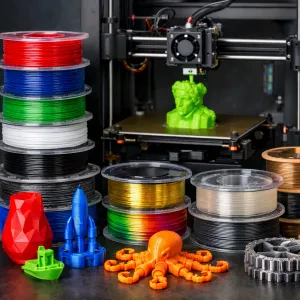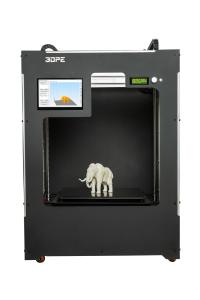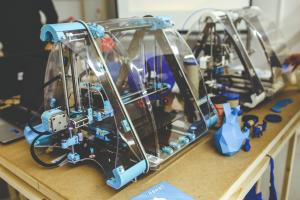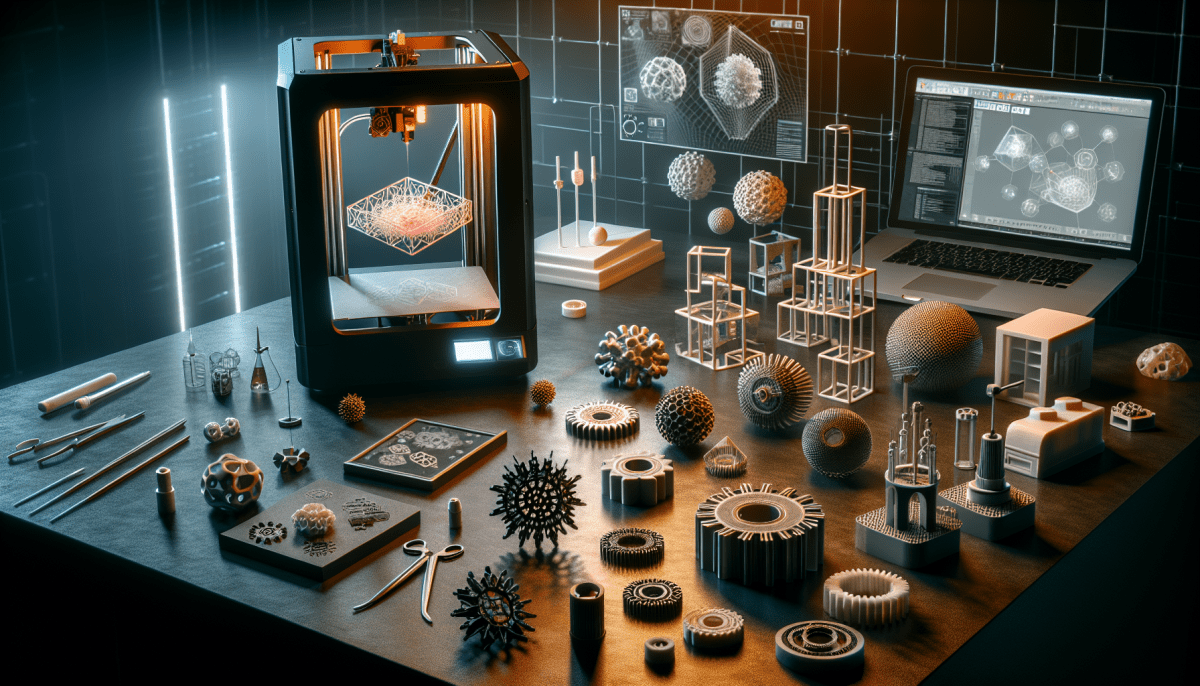
Jumping into 3D printing might seem a bit overwhelming at first, but trust me, it’s a lot of fun and totally worth it! First things first, you’ll need to pick out a 3D printer. There are plenty of options, but as a beginner, look for one that’s user-friendly with good support. Models like the Creality Ender 3 or the Prusa Mini are great starting points.
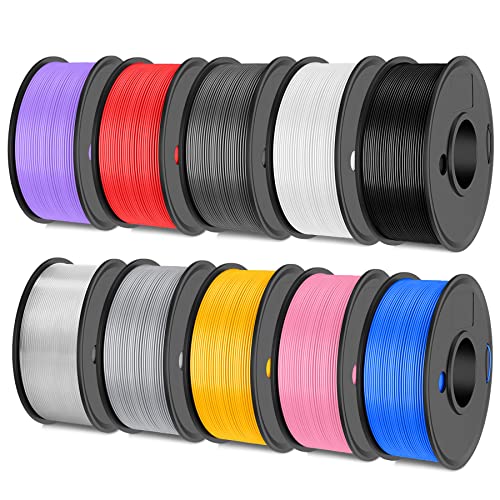
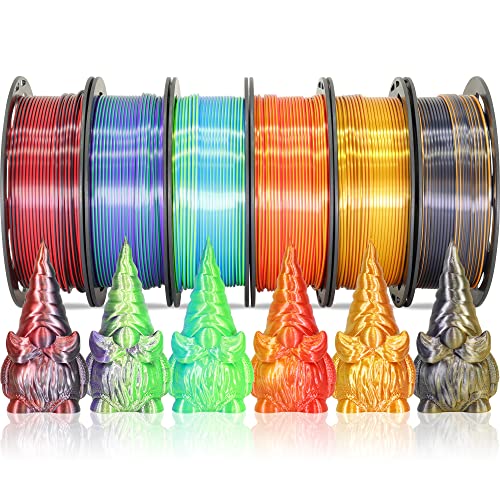
Once you've got your printer, you'll need some filament. This is the material you’ll use to create your objects. PLA is a fantastic choice for beginners. It's easy to work with, eco-friendly, and comes in loads of colors. Just grab a spool, and you’re good to go!
Next up, you'll want to hop into some software. Programs like Tinkercad or Cura are simple to use and perfect for beginners. Tinkercad is great for designing your own models, while Cura helps you prepare your designs for printing. There are tons of tutorials online to help you get the hang of it.
Finally, don’t forget to dive into the printing process! Start with something simple, like a small keychain or a basic shape. Play around with the settings on your printer and don’t be afraid to experiment. And remember, practice makes perfect! The more you print, the easier it gets.
Understanding 3D Printer Types
When you’re stepping into the world of 3D printing, one of the first things you’ll bump into is the different types of 3D printers. Each type has its quirks, so knowing what you’re looking at can help you decide which one is right for you.
The most common type is the FDM (Fused Deposition Modeling) printer. Think of it as the bread and butter of 3D printing. These printers use plastic filament and work by melting it and layering it to create your design. They’re affordable and great for beginners because they’re pretty straightforward and there are tons of resources out there to help you get started.
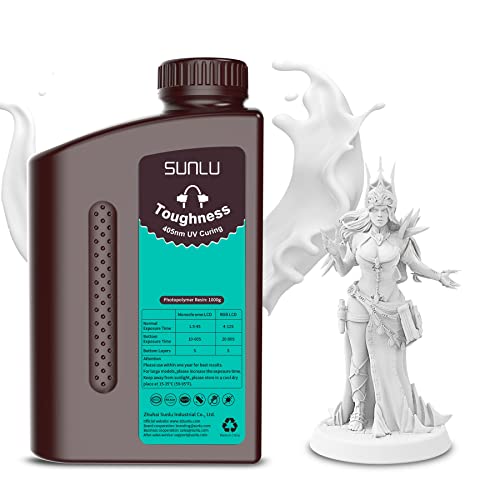
Then, there’s SLA (Stereolithography) printing. This method uses a resin that hardens when exposed to a UV light. SLA printers can produce incredibly detailed prints, making them popular for things like jewelry or miniatures. Just a heads up, they can be a bit messier and require more post-printing work compared to FDM printers.
Another type to consider is DLP (Digital Light Processing). Similar to SLA, DLP uses a light source to cure resin. The big difference is that DLP projects an entire layer at once, making it faster for some projects. However, they still require that same level of care as SLA printers.
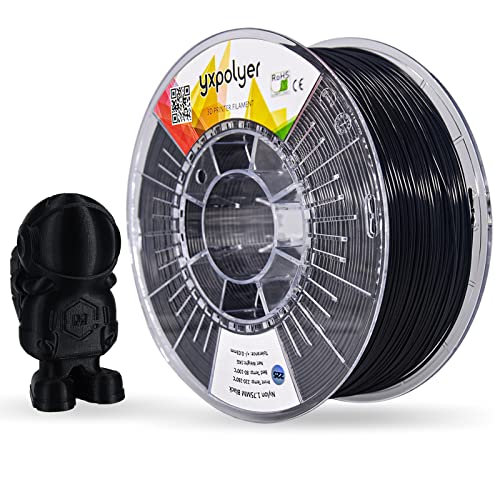
Lastly, there’s SLS (Selective Laser Sintering). These are a bit more high-end and use a laser to fuse powdered material, like nylon. SLS printers can create incredibly strong and durable objects, but they’re usually pricier and more suited for advanced users or businesses. No matter which type you’re eyeing, understanding what each can do will help you find the right fit for your 3D printing journey.
Materials You Can Use
PLA (Polylactic Acid) is a favorite among beginners. It’s made from plant-based resources, which makes it eco-friendly. PLA is super easy to work with and holds its shape well, making it great for prints that don’t need to withstand heat. Plus, it comes in all sorts of fun colors!
ABS (Acrylonitrile Butadiene Styrene) is another commonly used material. It’s tough and can handle higher temperatures, which makes it a solid choice for functional parts. However, ABS can be tricky since it’s prone to warping. Make sure to use a heated bed if you choose this material.
Then there's TPU (Thermoplastic Polyurethane), ideal if you want something flexible. TPU is great for creating things like phone cases or wearables that need a bit of bounce. Just keep in mind that it requires a printer that can handle flexible filaments.
Finally, you have PETG (Polyethylene Terephthalate Glycol). It’s a strong, food-safe material that combines the best properties of PLA and ABS. You can create durable, functional items without worrying too much about heat resistance or warping. If you want something robust, PETG is a fantastic choice.
Tips for Your First Print
Getting ready for your first 3D print? That’s super exciting! Here are some friendly tips to help you nail it right from the start.
First off, pick the right model. If it’s your first time, choose something simple. Look for designs labeled as beginner-friendly. You’ll avoid frustration while getting a feel for how everything works. Websites like Thingiverse have tons of options. Just filter by skill level!
Next, make sure your printer is set up correctly. Check the bed leveling—this is crucial! A level bed helps ensure the first layer sticks well. If that layer goes wrong, the whole print might fail. Don’t rush this step. Take your time to get it just right.
Keep an eye on your filament too. Use good-quality plastic, like PLA, for beginners. It’s super easy to work with and doesn’t warp easily. Before starting your print, make sure the filament is loaded properly and there are no tangles. A smooth start means a better chance at success.
Lastly, don’t be afraid to experiment! Every print is a learning experience. If something doesn't work out, take note of what happened and adjust. This is how you get better. Enjoy the process, and watch as your design comes to life layer by layer!